Security is a top concern for website owners and hosting providers alike. With the increasing sophistication of cyber threats, it’s essential to understand the common security issues that can affect web hosting and implement effective strategies to mitigate them. This article explores various security challenges in web hosting and provides actionable tips to prevent these issues, ensuring your website remains secure and reliable.
Read about also: The Impact of Downtime on Businesses: Understanding Web Hosting Reliability Issues.
1. Malware Attacks
Problem: Malware attacks involve malicious software infiltrating your website, often leading to data theft, site defacement, or the spread of further malware to visitors. Common types of malware include viruses, worms, Trojan horses, ransomware, and spyware.
Prevention:
- Regular Scans: Use reliable security plugins or software to perform regular scans of your website and hosting environment.
- Updates: Keep your software, plugins, and content management systems (CMS) up to date to patch vulnerabilities.
- Firewall: Implement a web application firewall (WAF) to filter out malicious traffic before it reaches your server.

2. DDoS Attacks
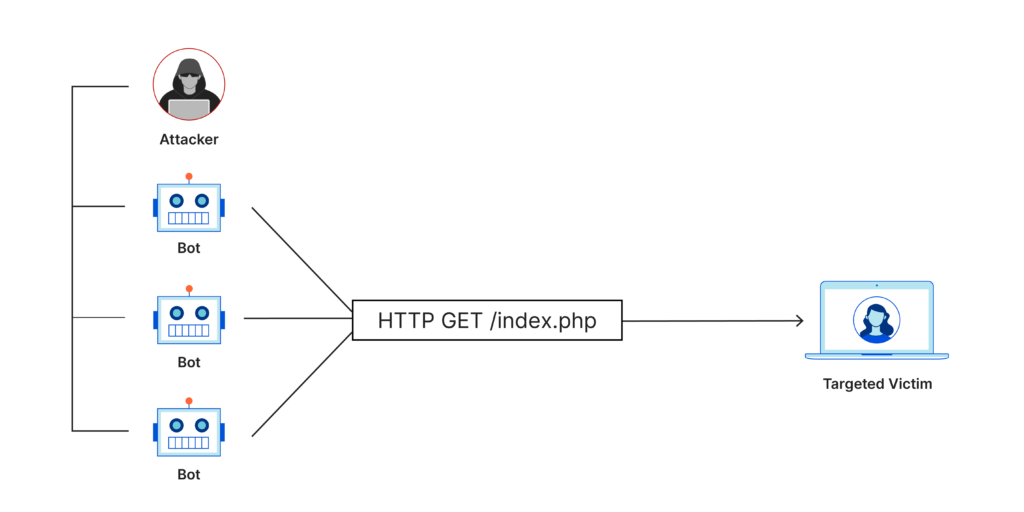
Problem: Distributed Denial of Service (DDoS) attacks overwhelm your server with excessive traffic, causing your website to slow down or become completely inaccessible. These attacks can last for hours or even days, significantly impacting your website’s performance and user experience.
Prevention:
- Traffic Analysis: Use DDoS protection services that monitor and analyze traffic to detect and mitigate DDoS attacks.
- CDN: Employ a Content Delivery Network (CDN) to distribute traffic across multiple servers, reducing the impact of DDoS attacks.
- Rate Limiting: Implement rate limiting to control the number of requests a user can make to your server in a given time frame.
3. Data Breaches
Problem: Data breaches occur when unauthorized individuals gain access to sensitive information, such as customer data, payment details, and personal information. This can lead to financial loss, legal consequences, and damage to your brand’s reputation.
Prevention:
- Encryption: Use SSL/TLS certificates to encrypt data transmitted between your website and users.
- Access Controls: Implement strong access controls and multi-factor authentication (MFA) to restrict access to sensitive areas of your website.
- Regular Audits: Conduct regular security audits to identify and address potential vulnerabilities in your website and hosting environment.
4. Insecure Plugins and Themes
Problem: Insecure plugins and themes can introduce vulnerabilities to your website, providing an entry point for hackers to exploit. These vulnerabilities can lead to malware infections, data breaches, and other security issues.
Prevention:
- Reputable Sources: Only download plugins and themes from reputable sources and official marketplaces.
- Updates: Regularly update all installed plugins and themes to the latest versions.
- Review and Remove: Periodically review your installed plugins and themes, removing any that are outdated or no longer in use.
5. Weak Passwords
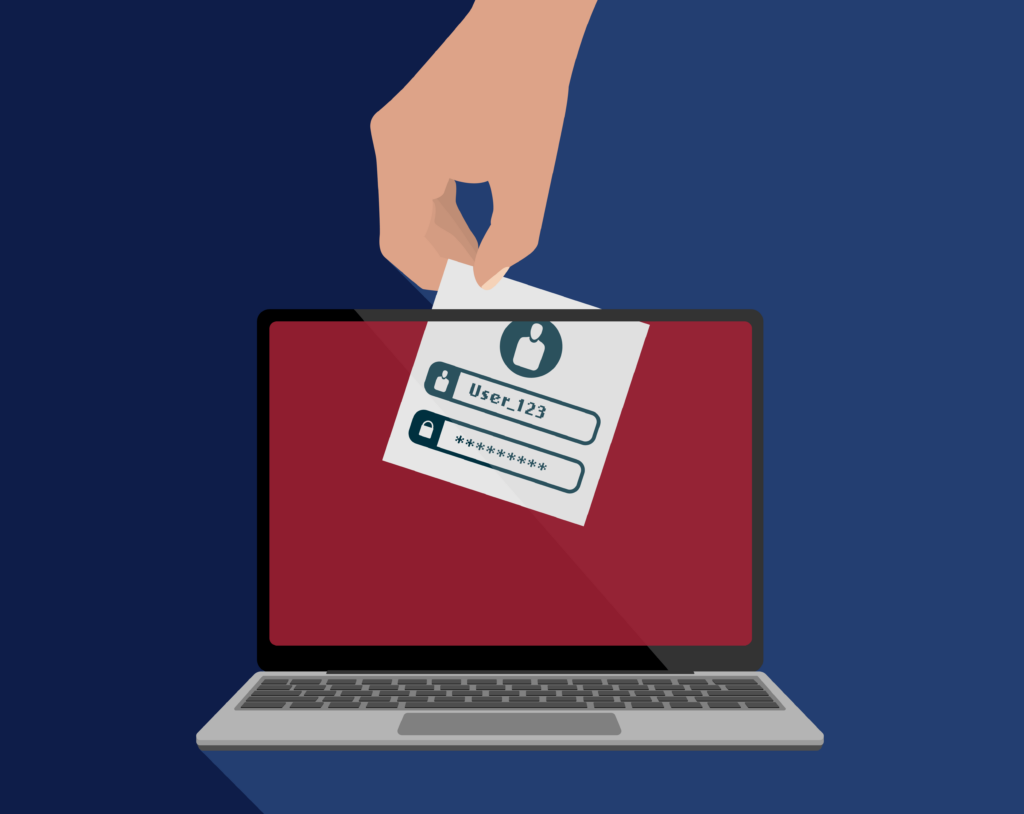
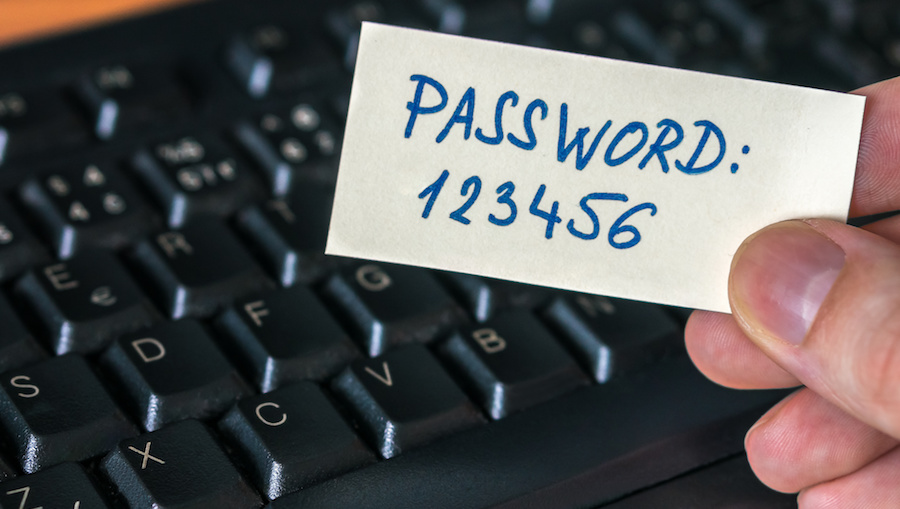
Problem: Weak passwords are an easy target for brute force attacks, where hackers attempt to gain access to your website by systematically trying different combinations of usernames and passwords.
Prevention:
- Strong Passwords: Ensure all passwords are strong, unique, and complex, including a mix of letters, numbers, and special characters.
- Password Policies: Implement password policies that require regular password changes and prohibit the use of easily guessable passwords.
- MFA: Enable multi-factor authentication (MFA) to add an extra layer of security beyond just passwords.
6. Inadequate Backups
Problem: In the event of a security breach or data loss, inadequate backups can lead to significant downtime and loss of critical information. Without proper backups, recovery can be difficult or impossible.
Prevention:
- Regular Backups: Schedule regular backups of your website and database to ensure you can restore your site in case of an incident.
- Offsite Storage: Store backups offsite or in the cloud to protect against physical damage or local disasters.
- Testing: Periodically test your backups to ensure they are complete and can be successfully restored.
Conclusion
Web hosting security is a multifaceted challenge that requires ongoing vigilance and proactive measures. By understanding common security issues such as malware attacks, DDoS attacks, data breaches, insecure plugins and themes, weak passwords, and inadequate backups, you can implement effective strategies to protect your website. Regular updates, strong access controls, encryption, and reliable backup practices are essential components of a robust security plan. By prioritizing security, you can ensure your website remains safe, reliable, and trustworthy for your users.